Document Branding
This tool is perfect for adding a company logo, names or contact information in the Header and footer of a PDF document. This application is perfect for creating a professional document with consistent branding across all pages.
This Softaken Header/Footer tool is a built-in feature of the PDF Champ Tool, which enables you to add a header/footer to a PDF document professionally with custom text, page numbers, date and formatting options. This tool has many features, like its custom text content, variable support page numbers, dates, formatting options font, size, color, alignment and position control. This tool is perfect for document managers, office workers and anyone who needs to add professional headers and footers to PDF documents.
Note: Header / Footer is part of PDF Champ, a portable solution that opens directly by double-clicking PDF Champ.exe without any installation or complex setups.
See Softaken PDF Champ Header/Footer load a PDF, add custom text with page numbers and dates, set formatting, and save a professionally branded document — without installing Adobe Acrobat.
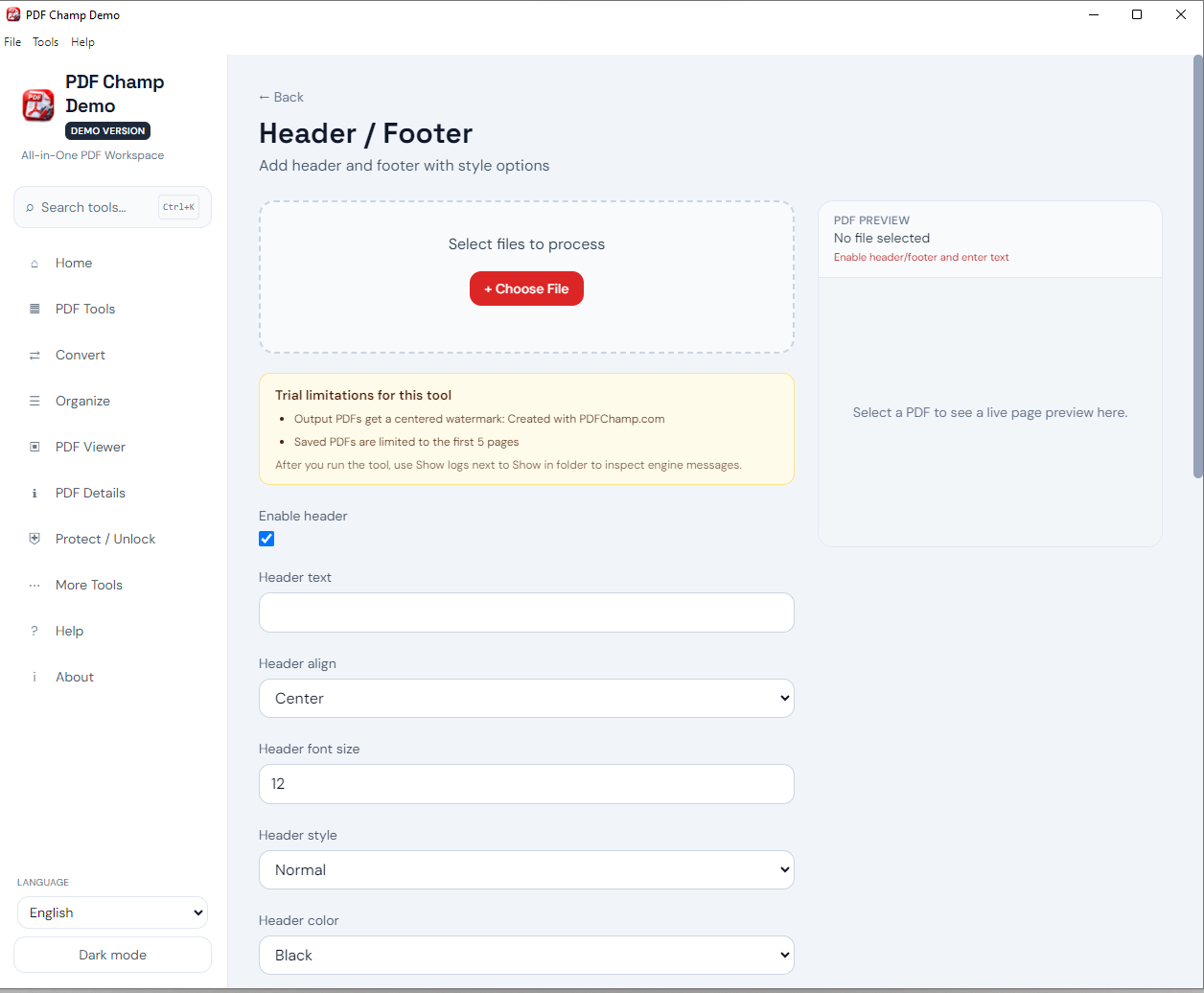
Launch PDF Champ and click Header/Footer in Advanced Tools to start adding headers and footers.
Click Browse or Select PDF to choose the PDF file you want to add headers or footers to.
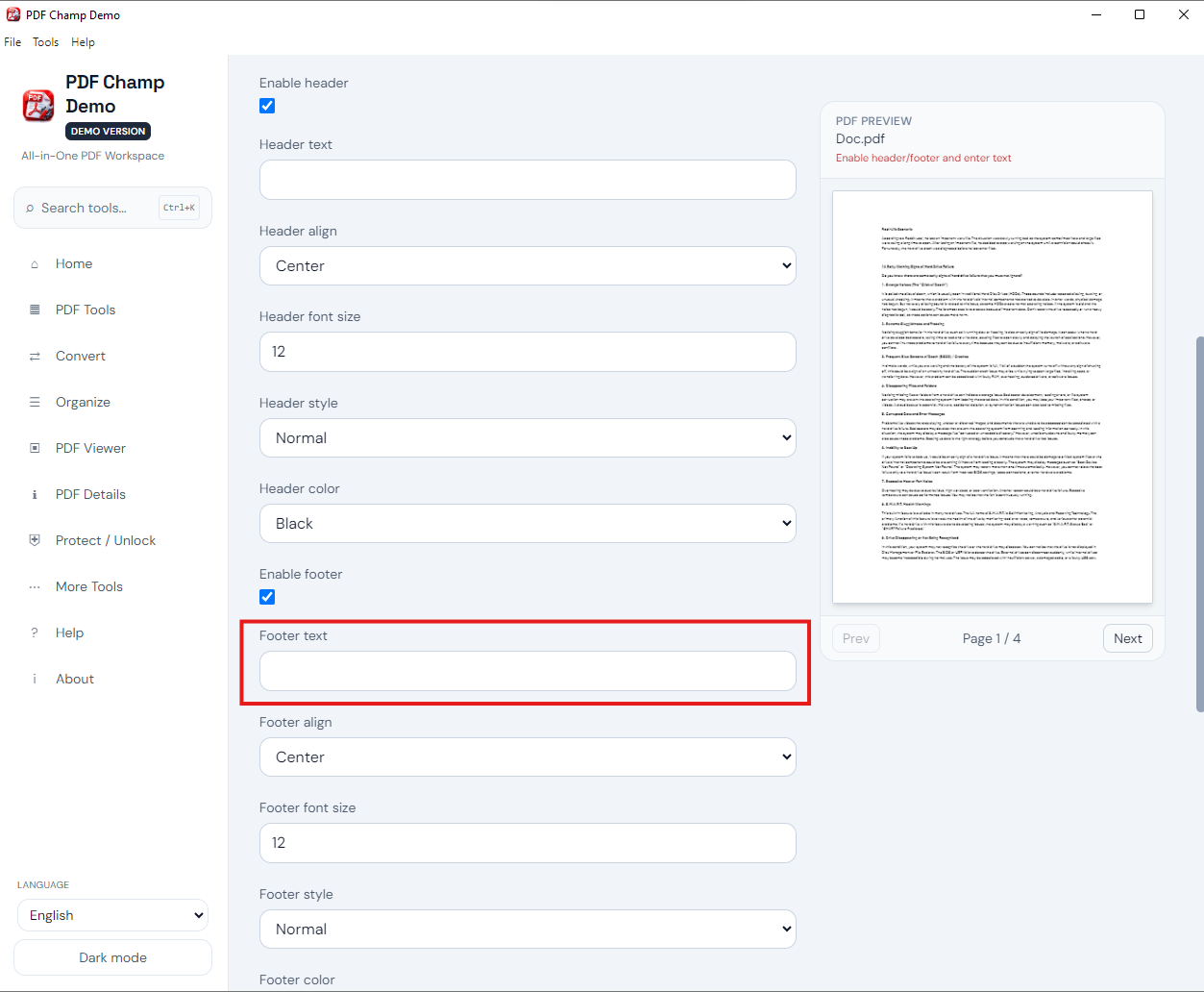
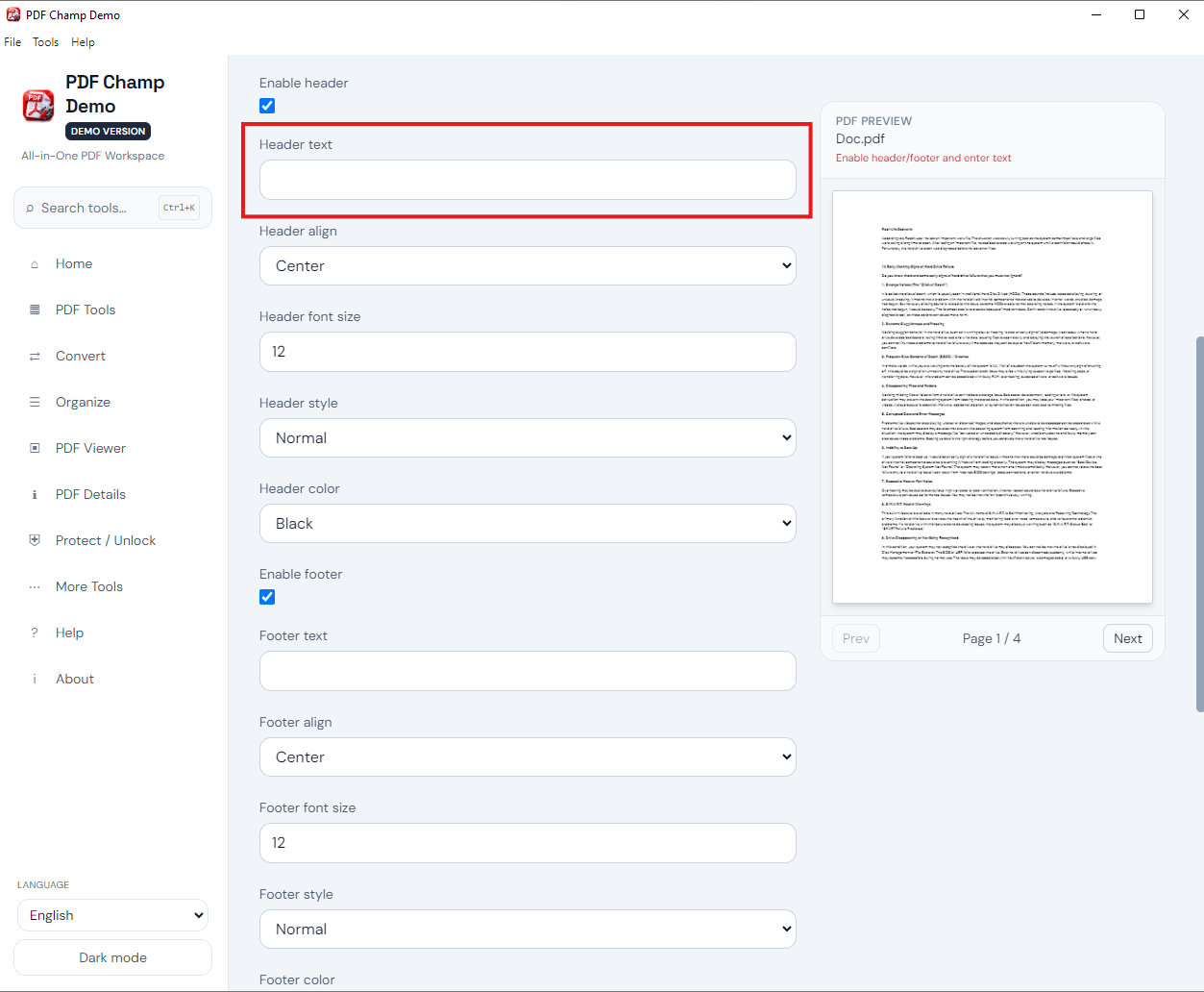
Select header (top), footer (bottom), or both, then enter the text content you want to appear.
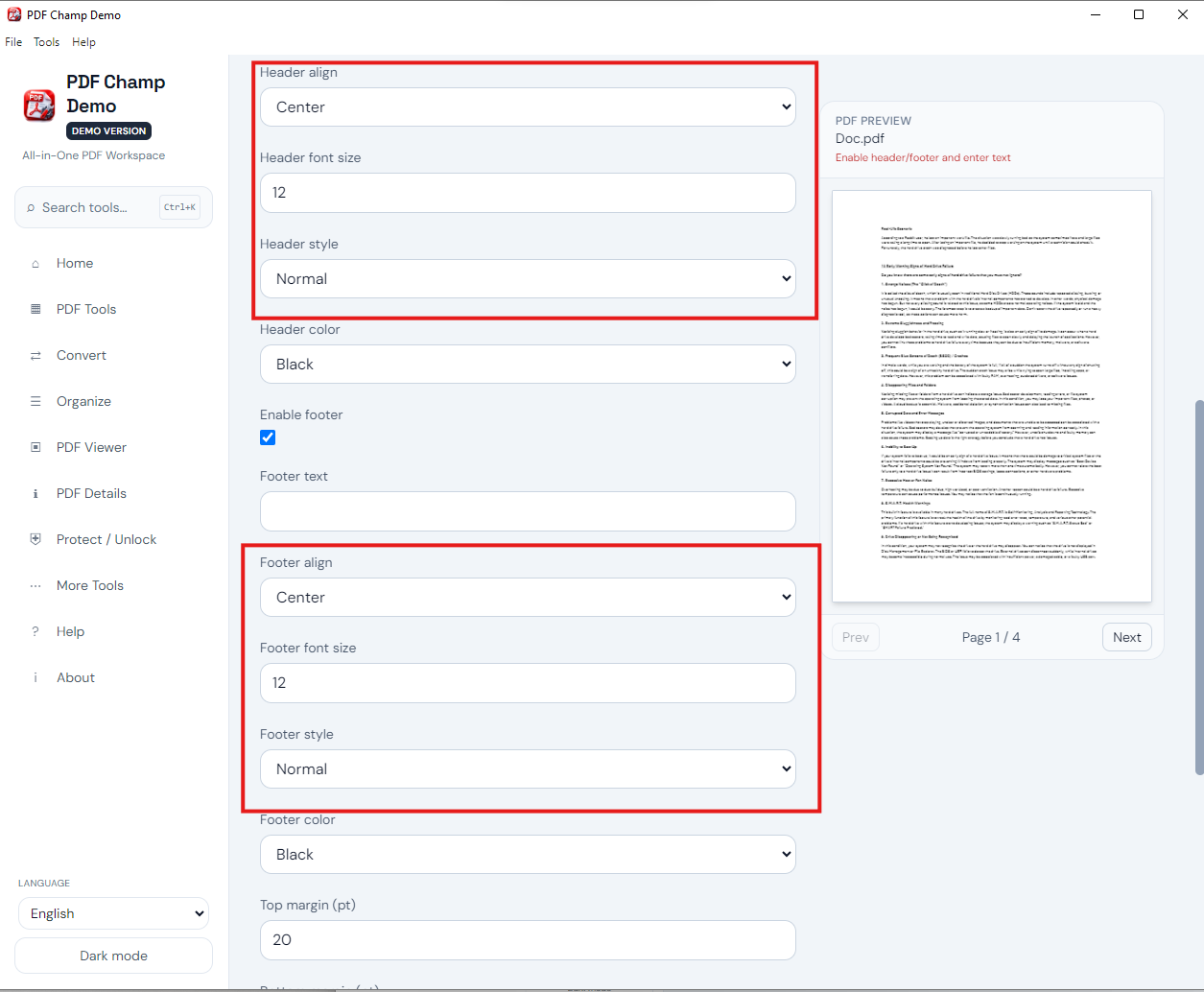
Type custom text such as company name or document title, and use variables like [Page] and [Date].
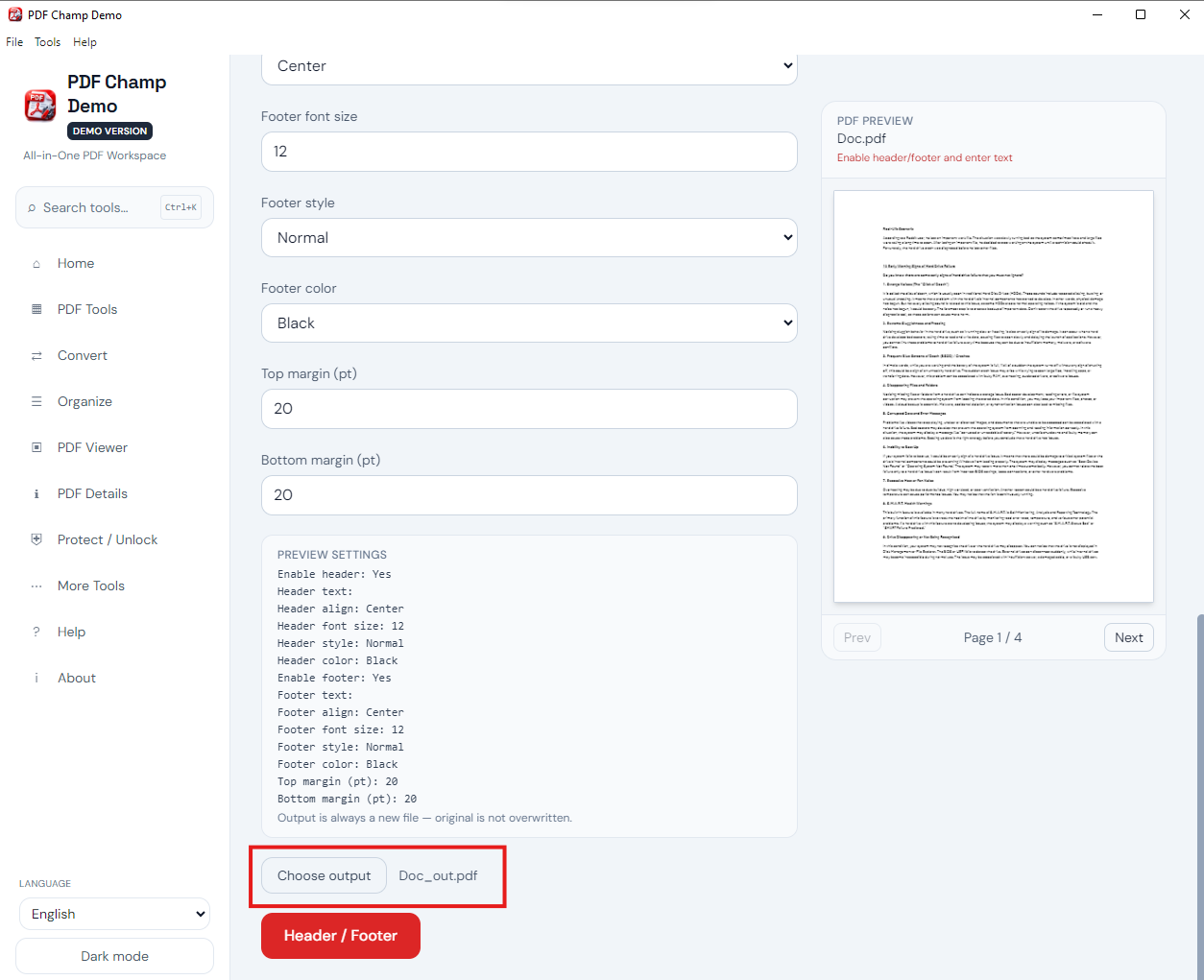
Customize font size, left/center/right alignment, and apply Top and Bottom margins for precise placement.
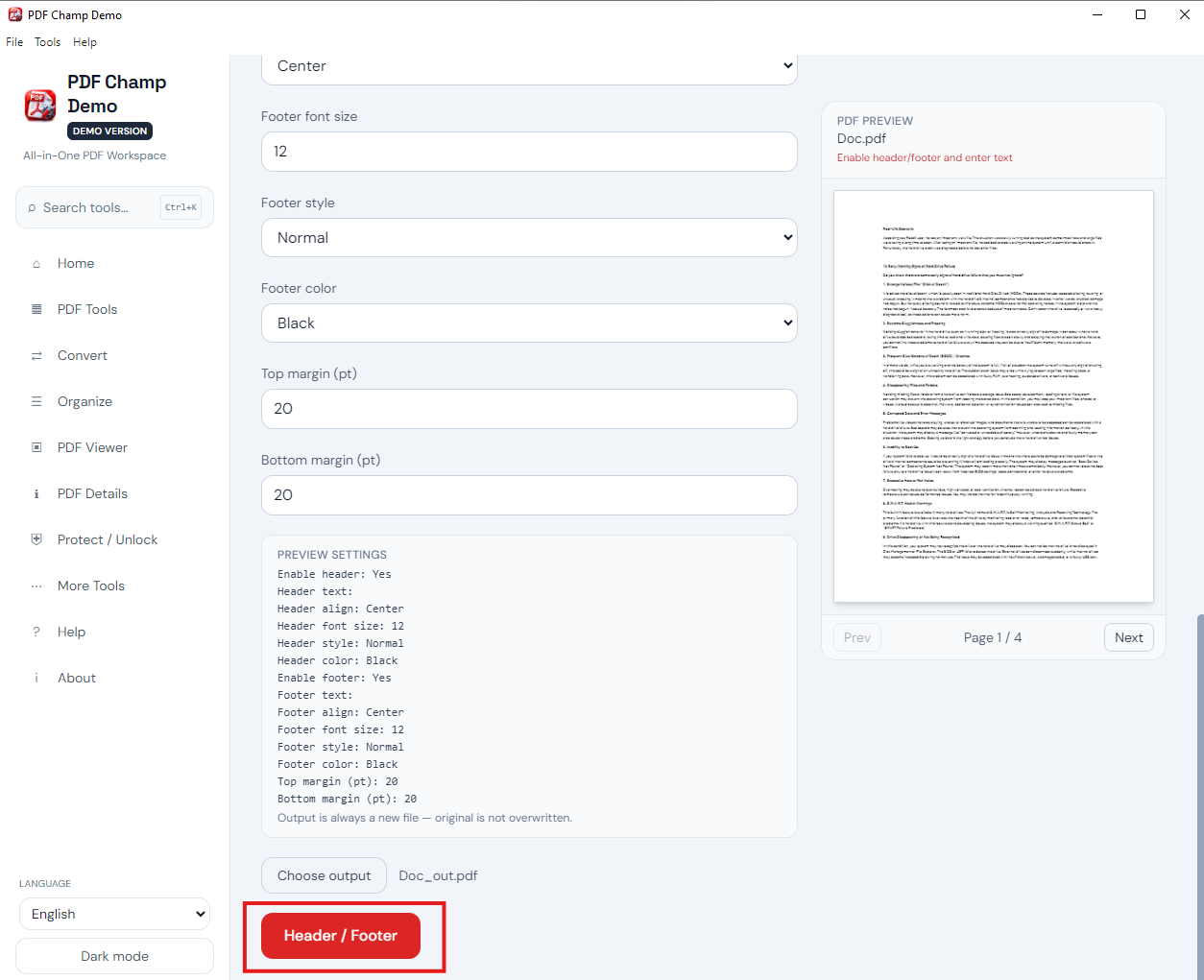
Choose where to save the PDF, then apply Header/Footer. Demo output includes a PDF Champ watermark; full license is $49.
See the Header/Footer interface above. Walkthrough: demo video · user guide · more screenshots.
This tool is perfect for adding a company logo, names or contact information in the Header and footer of a PDF document. This application is perfect for creating a professional document with consistent branding across all pages.
You can add the page number and document information. For creating a professional document with page numbers, dates and other metadata by this application. It will perform its task without creating any problems
This tool is for creating a consistent document formatting and adding professional headers and footers. It maintains all the page formatting. Ideal for creating polished documents with a uniform appearance.
You can add any type of custom text in your header and footer sections. This is a great way to add custom details like the name of your company or what the document is entitled, to your PDF document.
Dynamic variables such as page number, date, etc can be added to the header and footer. These fields will automatically populate with those variable values when the document is created. This is a good way to automate the creation of document-based paper trails.
The font, size, color, alignment of the header and footer can be customized. The font family, size, color and alignment type can be specified for both sections. This creates a header and footer that matches the visual style of your PDF document.
Precise positioning of your header and footer can be controlled and set by specifying exactly where on a PDF page the sections should appear. If you want your header and footer to be positioned properly, then using the precise position control will ensure you create professional-looking documents.
Selecting all or partial pages to have a header or footer placed on is an option. The header and footer can be added to an entire document, sections of a document, or a single page. This makes it easy to add or remove your headers and footers when needed.
You can take advantage of the Header/Footer feature in its demo version at no cost therefore, you will be able to use and experiment with all of its functionality within this trial period. Once you have had a chance to use the tool features and add headers and footers to a number of pages, you will be able to determine if it meets your needs. Demo output includes a “PDF Champ” watermark; the full license is $49.
The limitation of its demo version is that it adds a “PDF Champ” watermark to the output, but the full version removes the watermark from the output. Full license is $49.
Can I exclude the first page (cover page) or apply headers and footers to specific page ranges only?
System Requirement
Processor1 GHz or faster
Operating SystemWindows 7 or later (64-bit)
Memory2 GB minimum
Hard Disk500 MB free space
Software Delivery
ElectronicVia Email
Minutes15
DemoPDF Champ watermark
Full License$49
Interface Available
Language SupportedEnglish
Support OptionEmails, Chat & Skype
PlatformWindows only
FeatureHeader / Footer
Download Guides
Recent Blogs

Customer Review Verified
I was looking for an application to add a header/footer to my PDF file, then I found this application, which easily adds a header/footer to my PDF data and quickly adds and easily customizes. Highly Recommended.
Customer Review Verified
This is an exact application that I needed. I was working daily with PDF files; this application increases the Workflow efficiency of my work. The amazing part about this application is that it preserves the quality of the document after the process.
Customer Review Verified
This application is very easy to operate; no extra effort is required to operate this because its interface is so modern and created according to all types of users. It can easily add a header/footer to my PDFs.
Customer Review Verified
As an employee, I really need an application that can add headers to my PDF document. And then suddenly found this application, which solves all my issues, even adding a footer. Best application
