5.0
5.0
50.5 MB
$29
Windows 11,10,8.1,8,7
English
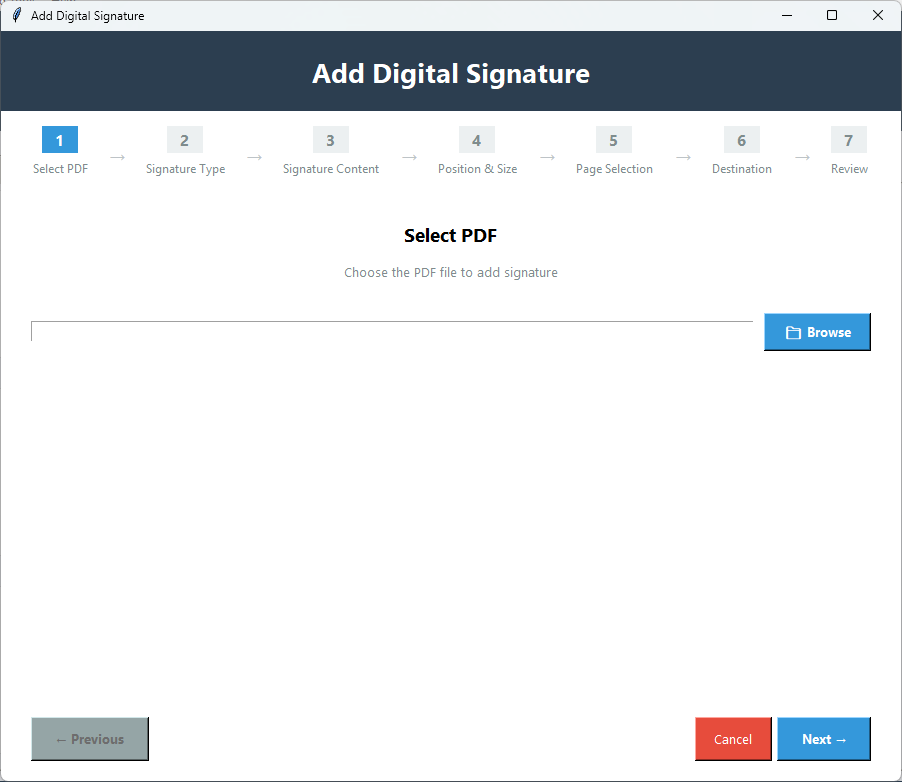
PDF Champ provides the ability to electronically sign PDF documents using Digital Signatures. Digital Signatures work great with contracts,agreements,approvals and all types of PDF documents needing a signature. This professional-grade tool allows you to add Digital Signatures using both picture and text-based signatures as well as control the placement,size,and sign multiple pages of a PDF document. Digital Signatures will give your documents a professional look. It's a very quick and easy way of electronically signing PDF documents.
NOTE:PDF Champ is a portable application,so Digital Signatures do not require installation and double-clicking the PDF Champ.exe file will launch it directly from your computer without setting anything up.
With this feature you can digitally sign contracts and agreements like electronic signatures on legally binding documents that give you the ability to complete all aspects of signing a document online to speed up the process and make it much easier than printing,signing,and scanning in real life.
You could approve items and documents using your electronic signature instead of having to print them out and physically sign them and with this smart functionality you would save a lot of your time by being able to sign your professional documents in a digital manner without wasting much time and effort.
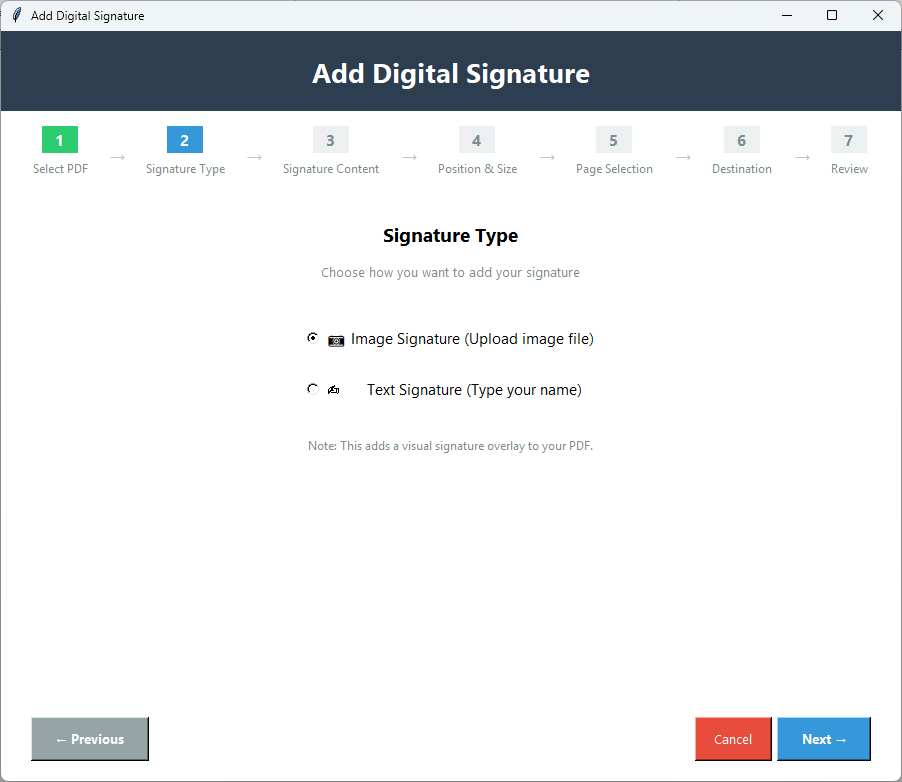
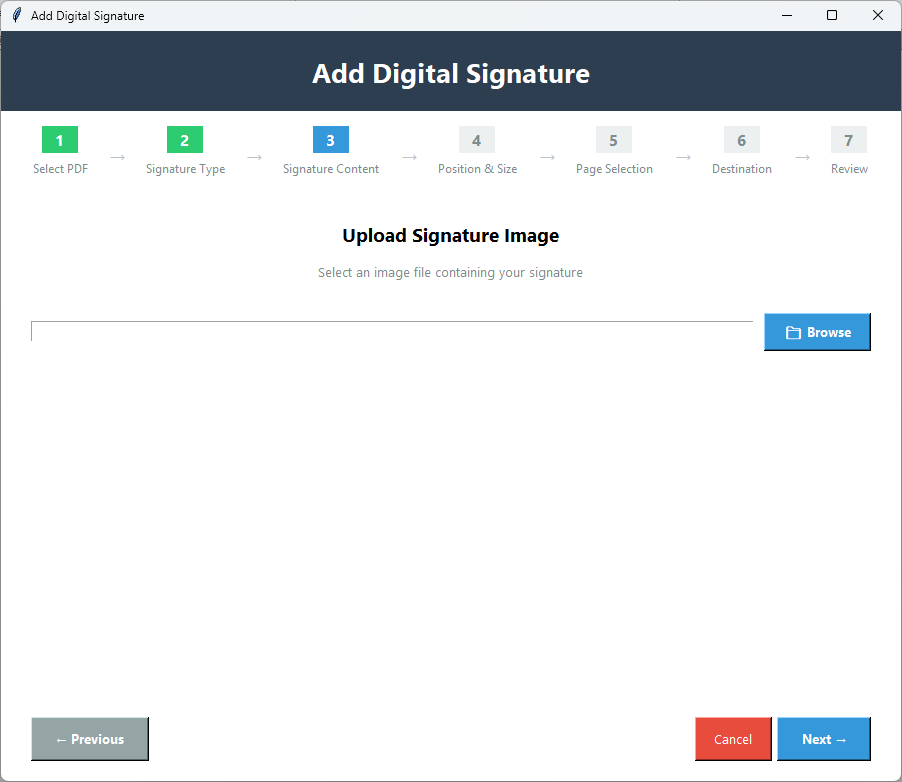
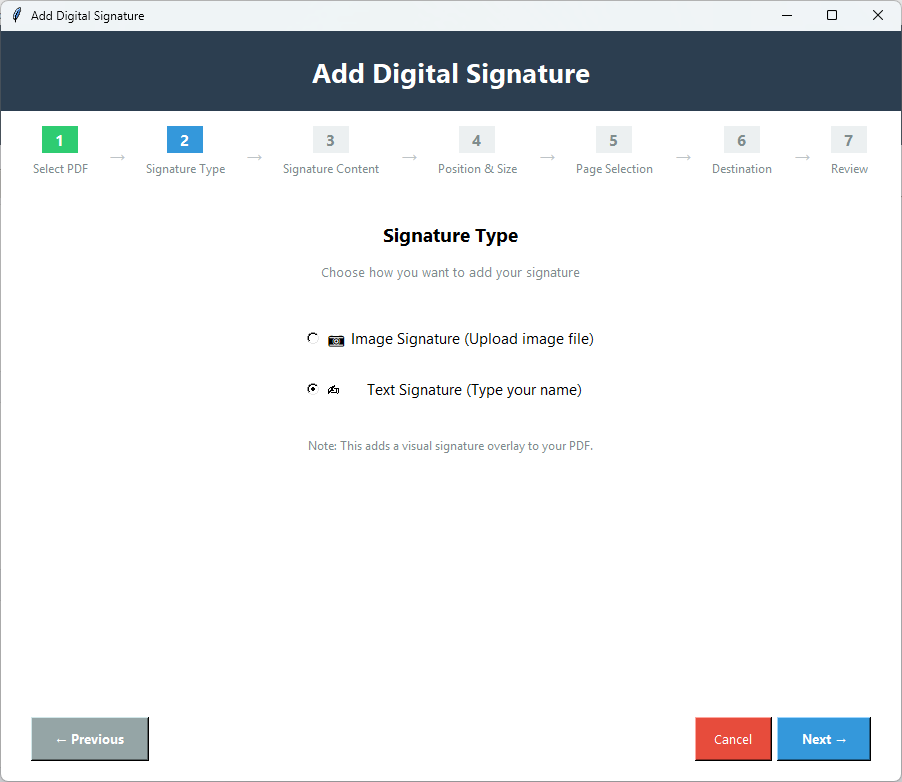
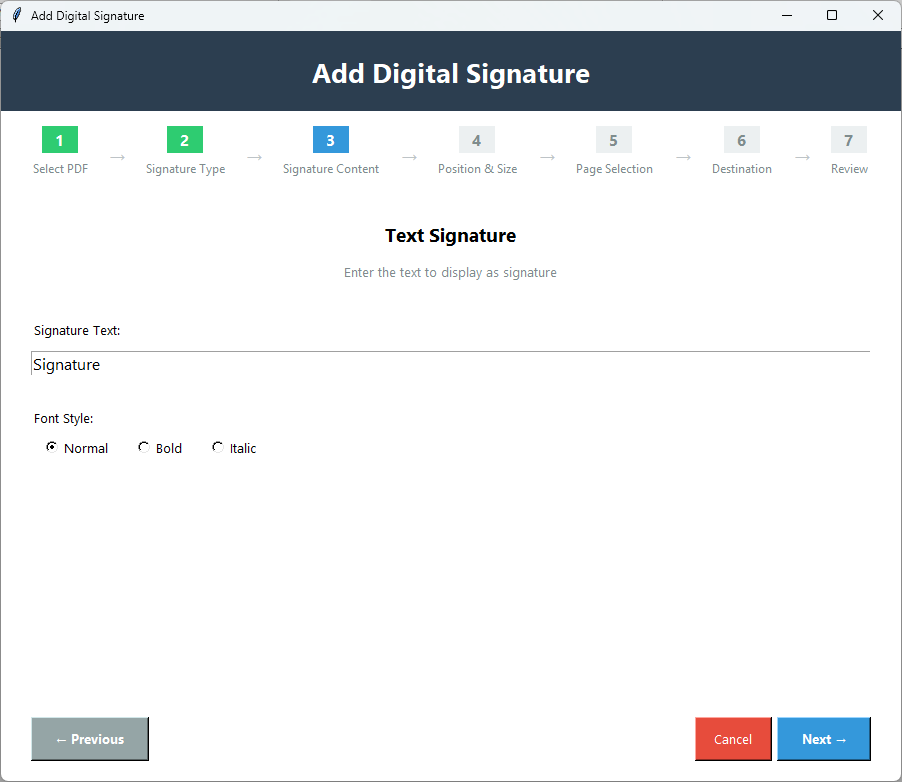
Add signatures to your documents by using a scanned version of your signature or entering it as text. You can use either option for extra versatility and flexibility when signing the documents digitally. This feature will allow you to easily sign your documents digitally rather than having the hassle of printing,scanning and mailing them.
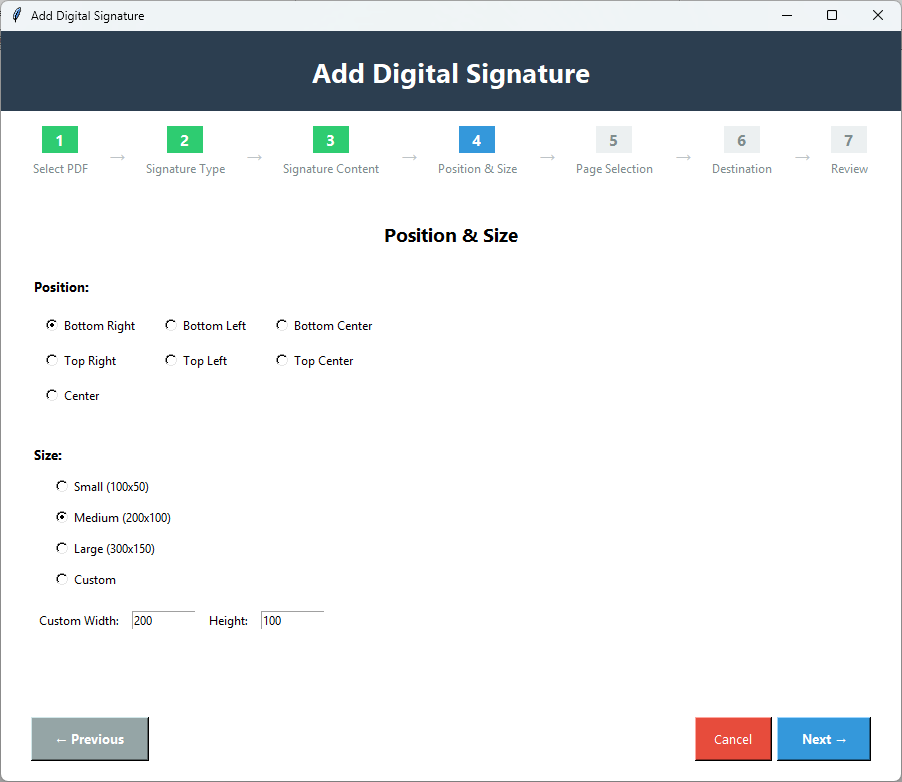
It controls where every signature is placed on your PDF and you can designate any location for your signature ensuring that it's perfectly aligned with each other. This makes your documents appear clean and professional with no chance of misalignment or misplacement of a signature.
This tool can sign an entire PDF document,a few pages of a PDF document or select multiple pages from a PDF document as needed to complete your signature. This allows you to sign each required page only leaving the remainder of the PDF document without a signature on it.
Try the Digital Signature feature for free using the demo version. You can add signatures to PDF documents,use all features of the program and evaluate its capabilities before buying the full version. Download and use immediately no credit card needed in order to determine if it meets your requirements.
The demo version of Digital Signatures allows you to try the feature before purchasing,with these limitations:
Download Guides
Recent Blogs
Customer Review
While using this tool I had a small question about the process which its customer service department helped me tremendously. They provided me with clear instructions and patiently which made me feel comfortable about using this Digital Signature tool because I know that there will always be assistance available when I need it. Thank you Softaken!

Customer Review
This utility helped me make my documents appear very professional because throughout the process the signatures didn't distort or reduce the quality of the PDF. My contracts,approvals and forms look extremely clean. The main reason I purchased this tool was to give me a reliable means to digitally sign documents. I can honestly say that Softaken Digital Signatures has amazed me with how professional my documents look now.
Customer Review
As a business professional who handles PDF documents daily,Digital Signatures has been invaluable. It helps me sign contracts and agreements digitally. The signature addition is fast,and the quality preservation is excellent. The position control and size adjustment let me add signatures perfectly. This feature alone makes PDF Champ worth it!
Customer Review
I love the fact that I can create both an image signature and a text signature with this one software. Signing with this tool feels just like signing with a pen and paper except it is done smartly. Not only does this feature allow me to save time but it has also produced very professional-looking documents and eliminates the need for me to print and scan anything.