Microsoft 365
Microsoft 365 Tenant Migration
Move mailboxes between Microsoft 365 tenants with Softaken conversion paths. Inventory first, pilot a wave, then complete the cutover on your schedule.
- Cross-tenant mailbox planning with Softaken
- Folder and attachment continuity
- Pilot sample, then full Softaken write
- Modern Auth path check with Softaken sales
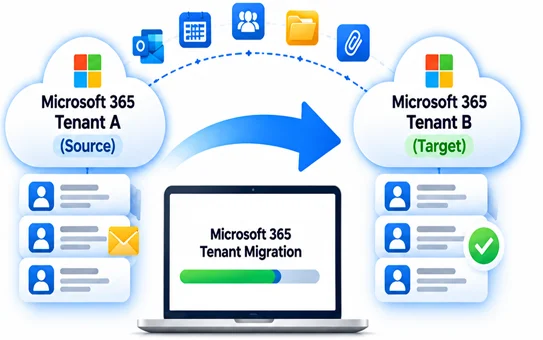
- InventoryDiscover mailboxes, size and scope
- PilotMigrate a sample mailbox / wave
- MigrateFull migration with Softaken conversion paths
- CutoverGo live at your chosen time
Google Workspace
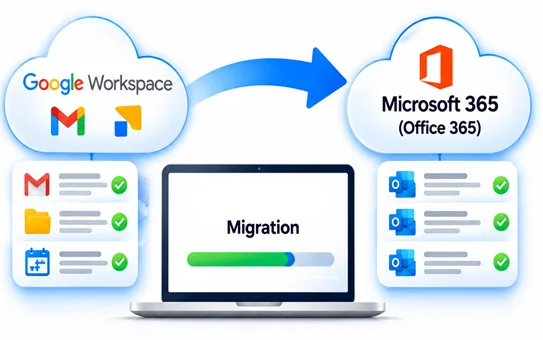
Google Workspace to Office 365
Stage Gmail and Workspace mail into Microsoft 365 with Softaken. Scope by date or folder when only part of the archive should move.
- Workspace / Gmail source intake
- Date and folder scoped Softaken jobs
- Preview before overnight writes
- Land in Office 365 mailboxes your IT assigns
- InventoryDiscover mailboxes, size and scope
- PilotMigrate a sample mailbox / wave
- MigrateFull migration with Softaken conversion paths
- CutoverGo live at your chosen time
Need Softaken on OneDrive, SharePoint, or Teams as well as mail?
See cloud file services →OneDrive
OneDrive to OneDrive Migration
Move user OneDrive libraries between tenants or accounts with Softaken-guided planning. Keep folder structure intact while your team validates samples before full waves.
- User drive inventory before Softaken runs
- Folder hierarchy and file metadata continuity
- Pilot users, then batch the remaining drives
- Cutover checklist with Softaken sales
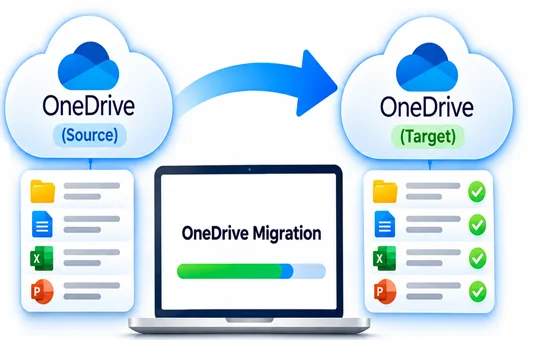
- Inventory
- Pilot
- Batch Migration
- Cutover
SharePoint
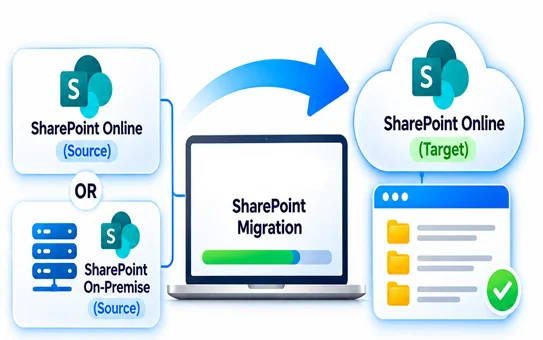
SharePoint Online / On-Premise
Migrate SharePoint sites and libraries—Online to Online, or from on-premise farms into SharePoint Online—with Softaken support for mapping and validation.
- Site and library inventory
- Online and on-premise source paths
- Document library structure preserved
- Sample verify before production waves
- Inventory
- Source PathOnline / On-Premise
- MigratePreserve Structure
- VerifySample & Go Live
Microsoft Teams
Teams & Chat Migration
Bring Teams channels, chats, and related content into the destination tenant Softaken helps you plan. Align channel structure with your cutover window.
- Teams and chat inventory with Softaken
- Channel and conversation continuity goals
- Pilot team first, then expand waves
- Auth and permission checks via Softaken sales
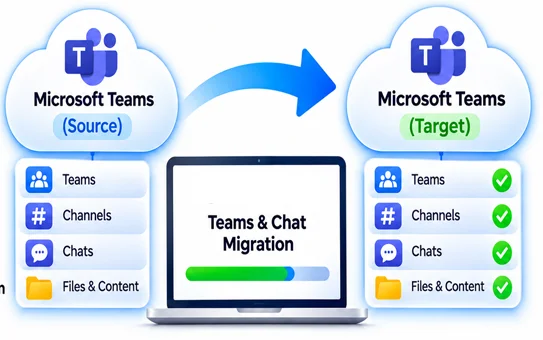
- InventoryTeams & Chats
- PilotOne Team
- ExpandBatch Waves
- ValidateAuth & Permissions
Prefer a Softaken demo on your sample mailbox or site first?
Contact Softaken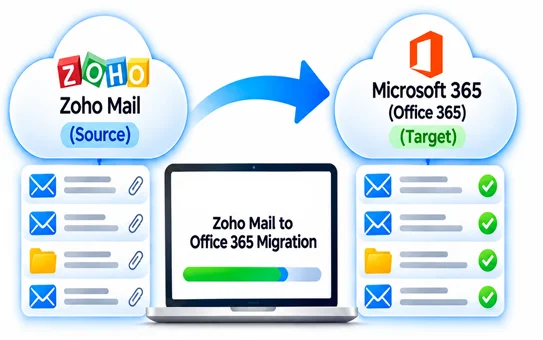
Zoho Mail
Zoho Mail to Office 365
Move Zoho Mail mailboxes into Microsoft 365 with Softaken. Preview folders, then write the wave your IT calendar allows.
- Zoho Mail source intake
- Folder and attachment continuity
- Scoped Softaken jobs by date or folder
- Land in Office 365 mailboxes
- IntakeZoho Mail
- ScopeDate / Folder
- PreviewFolders & Data
- MigrateLand in Office 365
IMAP
Enterprise IMAP Cloud Migration
Batch enterprise IMAP mailboxes into cloud targets Softaken supports. Plan host limits, throttling, and wave size with Softaken before cutover night.
- IMAP batch planning with Softaken
- Folder structure preserved on write
- Auth path verification via Softaken sales
- Pilot mailbox, then full enterprise waves
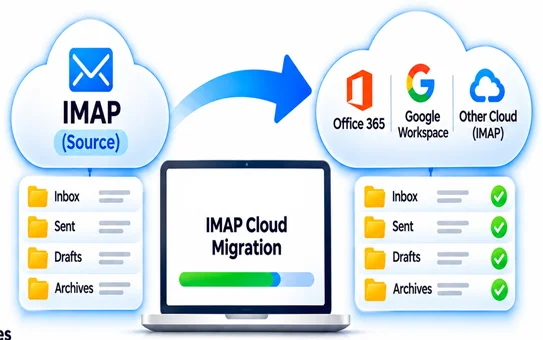
- PlanIMAP Batch
- VerifyAuth & Access
- PilotOne Mailbox
- MigrateEnterprise Waves
HCL / Lotus Notes
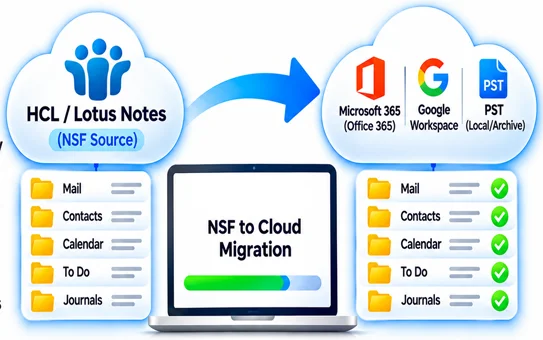
HCL / Lotus Notes to Cloud
Open NSF archives Softaken can process and stage them into cloud mailboxes or PST destinations your project requires.
- NSF intake for Notes → cloud jobs
- Folder and item continuity goals
- Sample verify before production NSF waves
- Softaken sales for hardened tenant sign-in
- NSF IntakeLotus Notes
- Map & PreserveFolders & Items
- VerifySample Wave
- MigrateCloud or PST
Delivery
How Softaken Structures the Engagement
Three clear stages—software-led, IT-owned. Softaken does not pretend silent delta sync; you re-run with a start-date filter when new mail arrives mid-wave.
Pre
Inventory sources and targets, choose the Softaken path, and size disk for staging before any production write.
Run
Softaken preview → pilot wave → full export. Scope by date or folder when only part of the archive should move.
Post
Verify sample mailboxes or libraries. Your IT team owns MX / DNS cutover Softaken does not change for you.
Softaken support stays available during licensed project runs.
Open Consultation FormNext step
Plan Your Next Softaken Migration
Share source, target, data size, and OS list—Softaken sales will map the right service path for your team.