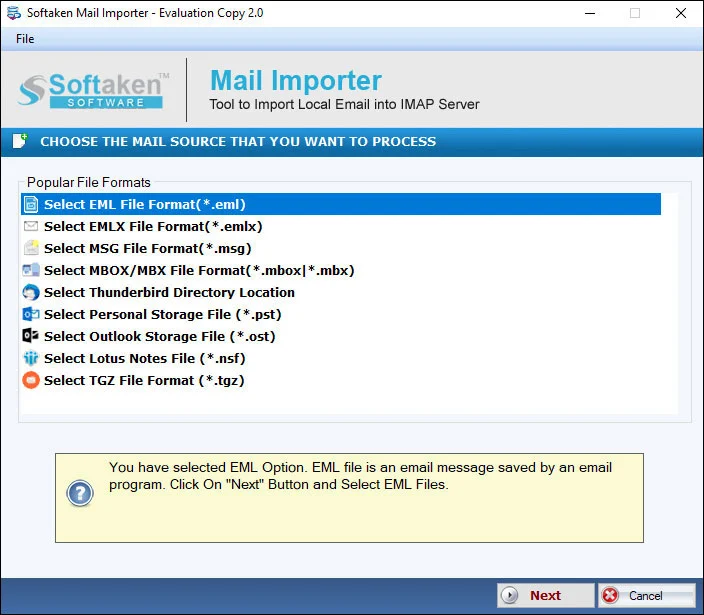
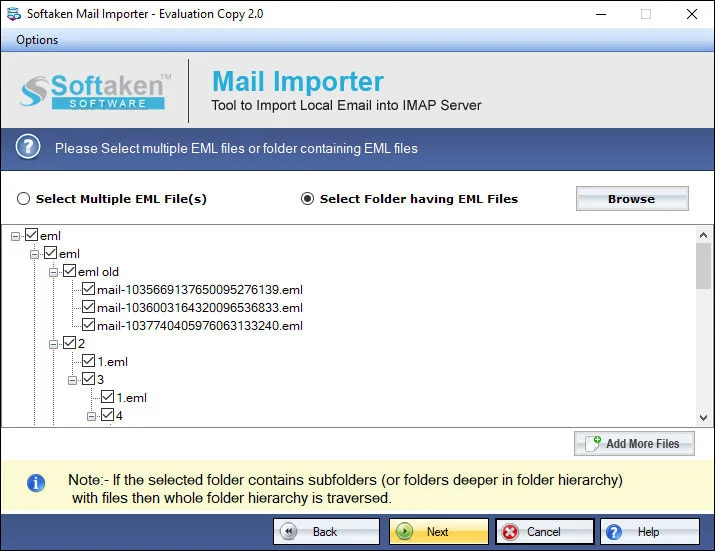
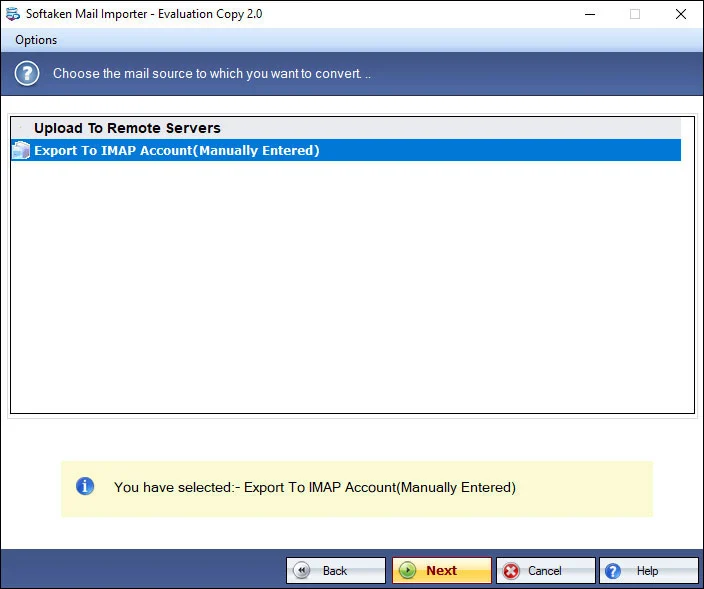
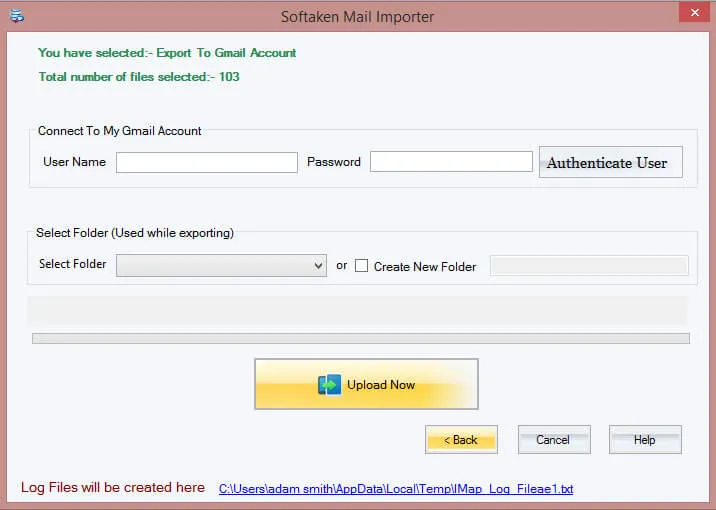
With this conversion program,migration is always under your control. The advance filter tab allows you to filter those specific MSG files that you have chosen to export. Browse local folders to select specific MSG databases.

Are you looking to access your MS Outlook without any objection? Transfer all important mails of MS Outlook to Gmail. Use our conversion app to export data instead of choosing any manual process. Our conversion app makes migration task simple and fast. It is a simple app with advance migration support.
See Softaken Mail Importer workflow used for MSG to Gmail on Windows:filter particular MSG files,provide Gmail user ID and password,and export — 3–4 manual steps,then the software extracts and exports automatically.

Advance filter tab allows you to filter those specific MSG files chosen to export. Browse local folders to select specific MSG databases.

User friendly — just 3–4 manual steps;the rest are performed by the software once you direct which mails need to export.

The software asks you to provide user ID and password details of the particular Gmail account for export to the selected account.
Demo available for evaluation. Full license from $99. Guide:user steps· demo video.
With this conversion program,migration is always under your control. The advance filter tab allows you to filter those specific MSG files that you have chosen to export. Browse local folders to select specific MSG databases.
User's trust has been gained successfully by the program because it allows you to export MSG files without missing a single data. All email are scanned and exported safely. It scans the properties of emails like CC,BCC,To and From.
To provide instant import facility,the software allows you to select not just one but also multiple MSG files altogether to export altogether. It makes backup of MSG to Gmail simply hassle free and faster.
Data conversion goal is offered with less hassle. There are just 3-4 manual steps required to follow and the rest steps are performed by the software itself. It extracts and exports data automatically once you direct it which mails need to export.
Are you looking to export MSG files of big size or small size? Any size MSG file can export without losing quality. The exporter enables you to export both new and old (archived) MSG files.
You can check the support level of the program. It is perfect in scanning and exporting any MS Outlook version databases including 2003,2007,2010,2013 and 2016. The conversion goal is achieved without any data loss.
A free demo is available to evaluate Softaken Mail Importer for MSG to Gmail. This product page does notstate a numeric demo limit (such as 10 or 10–25 MSG). Unlimited conversion is for license holders from $99.
System requirements and delivery details for Softaken MSG to Gmail Importer on Windows.
System Requirement
ProcessorAny Pentium Class
Operating SystemWindows 11,10,8.1,8,7,XP,Vista &Other
Memory512 MB Minimum
Hard Disk100 MB free for installation
Software Delivery
ElectronicVia Email
Minutes15
DemoLimited export (count not stated)
Starting Price$99
Interface Available
Language SupportedEnglish
Support OptionEmails,Chat &Skype
LoginUser ID &Password
MSG SupportOutlook 2003–2016
Download Guides