
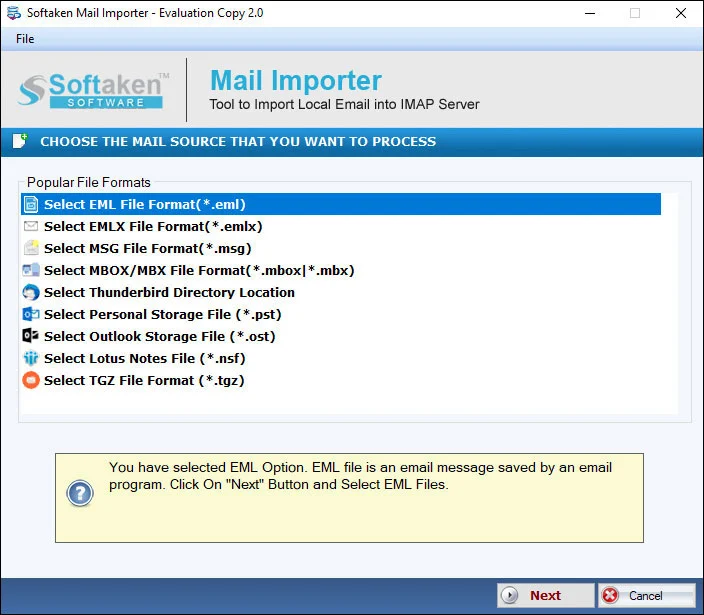
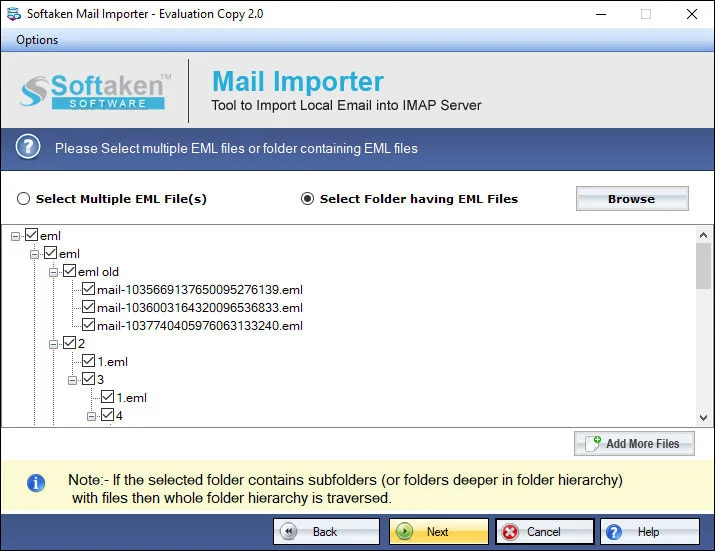
Export those MSG files that users want to export. The advanced file filter feature allows you to filter those MSG files that you find necessary to export. Only selected MSG files can export to Office 365.

With MSG to Office 365 conversion,you can access your important Outlook mails on cloud. It helps you to easily share your important mails. Maintaining and operating important mails can be easy and fast with this converter. So,download the app today.
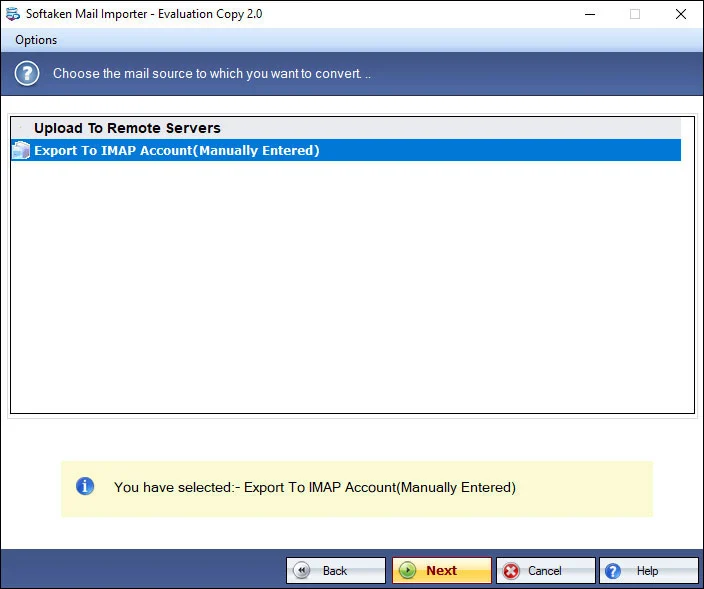
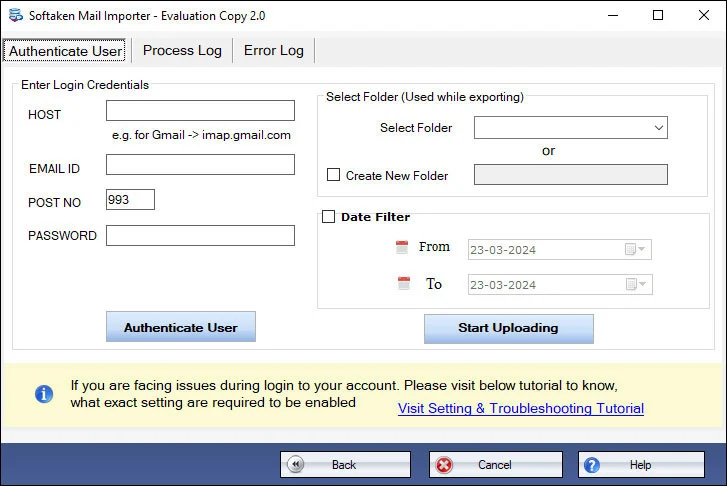
See Softaken Mail Importer workflow used for MSG to Office 365 on Windows:filter selective MSG files,connect with Office 365 user ID and password,and upload to the selected account.

Use the advanced file filter to export only those MSG files you find necessary — including 1,2,3 or more MSG files in bulk.

Export MSG to Office 365 without losing originality — email body including date,To,From and attachments stay intact.

Enter the correct user ID and password for the particular Office 365 account you want to export to.
Free Demo uploads the first 10 emails. Full license unlocks unlimited import (from $99). Guide:user steps· demo video.
Export those MSG files that users want to export. The advanced file filter feature allows you to filter those MSG files that you find necessary to export. Only selected MSG files can export to Office 365.
With this conversion tool,export MSG to Office 365 swiftly without losing originality. The tool preserves original structure of emails by exporting all email body content including date,To,from and attachments.
With this conversion program,users can feel flexible to export 1,2,3 or more MSG files altogether. The bulk migration gives speed to conversion. It saves your time and makes migration hassle free.
The user interface of the app is simple because the tool has been designed with interactive interface. Each step is easy-to-understand. The utility itself defines the role of each step.
Once you launch the app,it needs the correct user ID and Password of the particular Office 365 account which you want to export. It is capable to export data to the user's specified Office 365 account.
Free Demo version helps you evaluate Softaken Mail Importer and uploads up to the first 10 emailsinto Office 365. Upgrade to the full version for unlimited import.
System requirements and delivery details for Softaken MSG to Office 365 Importer on Windows.
System Requirement
ProcessorAny Pentium Class
Operating SystemWindows 11,10,8.1,8,7 &Other (also XP/Vista per hero)
Memory512 MB Minimum
Hard Disk100 MB free for installation
Software Delivery
ElectronicVia Email
Minutes15
DemoFirst 10 emails
Starting Price$99
Interface Available
Language SupportedEnglish
Support OptionEmails,Chat &Skype
LoginOffice 365 user ID &password
MSG SupportAny MS Outlook version
Download Guides