Softaken OST to VCF Converter

OST to VCF Converter

Wish to share Outlook Contact Data to Smart Phones,Android,iPhone and Tablets? Purchase today OST to VCF Conversion tool,sophisticatedly designed to convert OST items to vCard format.

100% Standalone Utility — extract and convert OST contacts to VCF without installing Microsoft Outlook.
  • Convert your desired OST contact files to VCF (an electronic business card for smooth data sharing to smart phones,easily contains phone numbers,address formation,email,logos,audio clips etc)
  • Fast and secure conversion is gained
  • Able to give feeling of copy and paste of data
  • Superbly handle data transfer of big-sized OST files
  • Give “Preview” of conversion in a tree structure format
  • Free demo version available to understand the key features of the application
VCF 2.1VCF 3.0VCF 4.0Single / Multiple
Universal device sharing — export Outlook contacts as vCard for Android,iPhone,Google Contacts,iCloud,Mac Address Book,and other smartphones and tablets.
Supports vCard 2.1,3.0,and 4.0 with single combined or separate VCF files. Demo exports 10 items;full license $49.

Watch OST to VCFDemo


Convert OST contacts to vCard

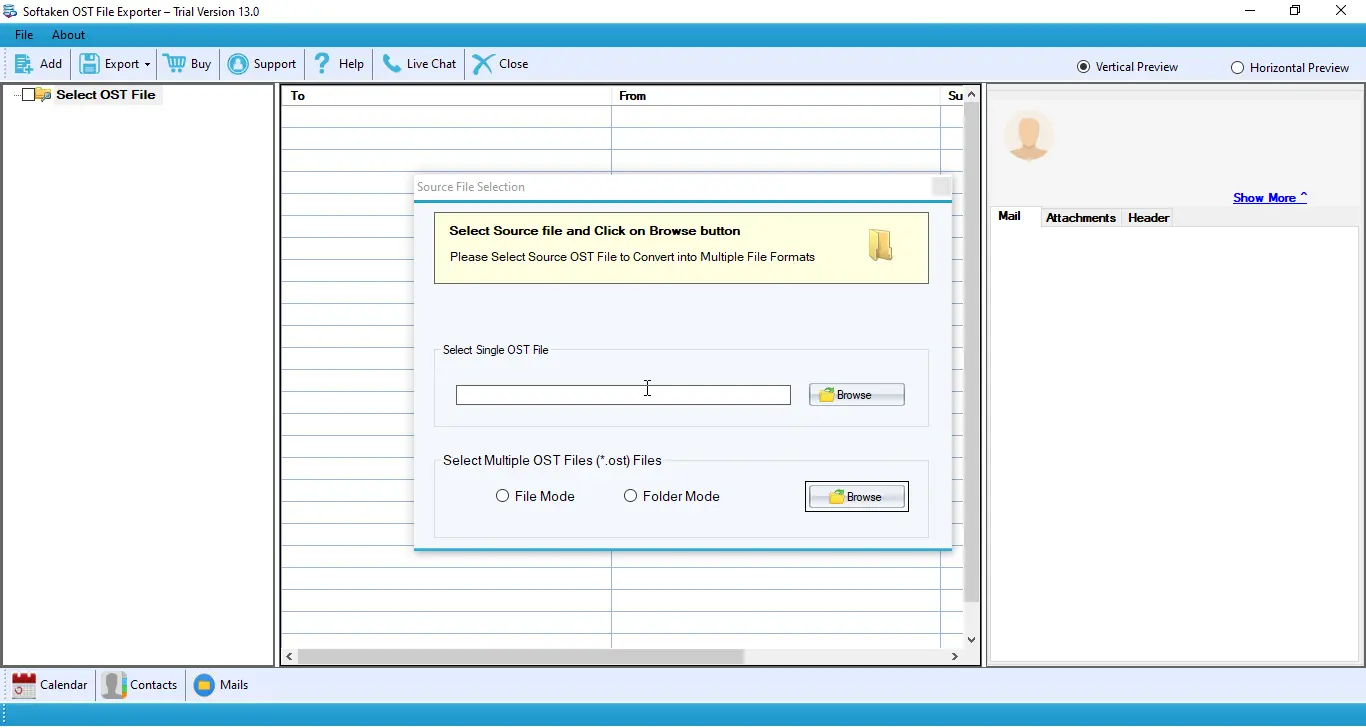
See Softaken OST File Exporter add OST files,preview the address book,and export contacts to VCF — without Microsoft Outlook.

  • Browse and load OST files
  • Preview contacts in a tree structure
  • Export to VCF (v2.1,3.0,or 4.0;single or multiple)
  • Save VCF files to your chosen location

See the OST to VCFInterface


Browse and add OST files
1

Add OST Files

Browse and load your Outlook OST file to start contact conversion.

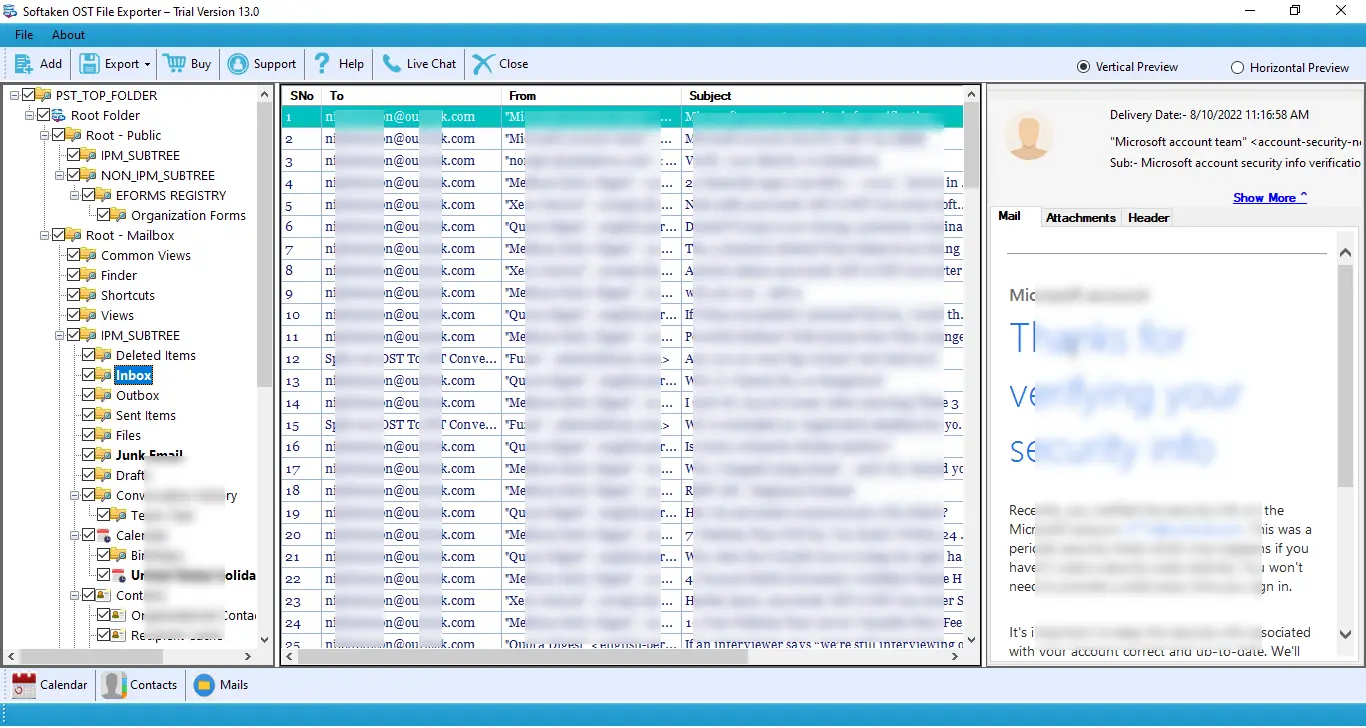
Preview OST mailbox and contacts tree
2

Preview Contacts

Preview conversion in a tree structure before saving to VCF format.

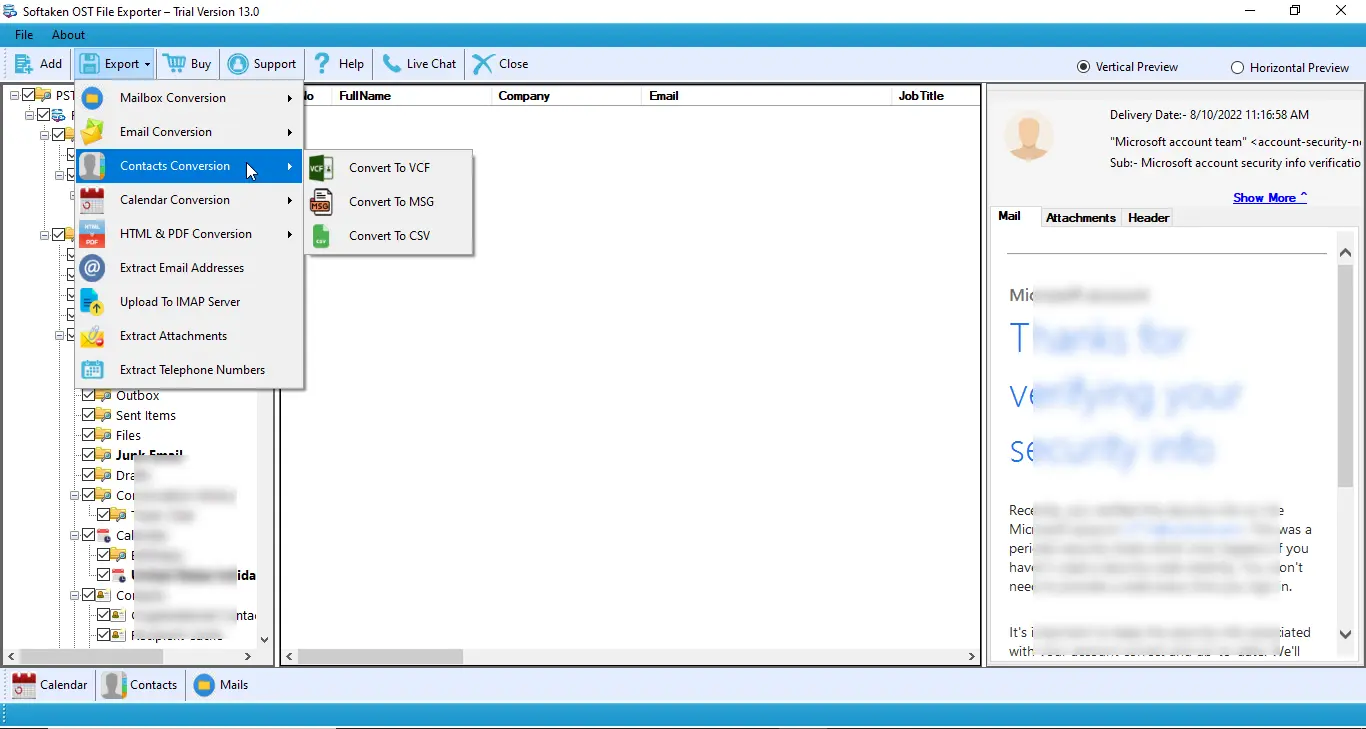
Export OST address book contacts to VCF
3

Export to VCF

Convert contacts to VCF (single or multiple;v2.1,3.0,4.0) and save to your folder.

Demo exports 10 items. Full license is $49. Walkthrough:demo video· user guide.

Prominent Features of OST to VCF (vCard) Software


Transfer OST Contacts to vCard

OST Conversion program is designed to transfer all your OST contacts to VCF format by following a few simple steps. It allows your Outlook contact data to be easily shared with Android,iPhone,and other smartphones.
Multi-Version vCard Export

Supports vCard versions 2.1,3.0,and 4.0 with options to create a Single Combined VCF file or Separate individual VCF files per contact.

Easy Sharing of Big-Sized OST Contact Files

Regardless of the size of the file,OST to VCF converts data. Whether you want to transfer files of 20 to 25 megabytes or up to 2GB files,you can get the superb quality sharing with OST to VCF data conversion.

Top Quality Conversion Speed

It saves time of users by allowing them to convert OST data to VCF format with fast speed. The software works quickly to convert OST file contacts to vCard without interrupting the process.

Free OST to VCF Transfer Tool

It means get ready to "Download" the demo version of OST to VCF. Every user who is interested to purchase the tool must go through the trial version. It makes you aware of the key features of the tool closely.

No Data Loss
No Data Loss

OST to vCard application is capable of transferring those OST contacts that have non-English characters which makes conversion quality higher.

Less Manual Attempts

In other words,OST migration program supports conversion of OST data with just a few simple steps. It supports rich quality user interface.

Provide Preview of OST Files

After conversion but before saving to VCF format. Preview can be seen in a tree structure format to confirm that the conversion process is correct and there is no loss of data.

Support Search Option
Support "Search" Option

"Search" option available that allows users to locate specific OST data to convert to VCF format. The facility helps users to share those OST files that users wish to transfer.

Opportunity to Save VCF Files to Desired Location

If you wish to save the converted items to the desired location of your system,you can achieve this with OST to VCF migration tool.

Feature Comparison of OST to VCF Converter – Trial and Licensed Version

Features
  • Convert OST contacts to VCF (vCard)
  • vCard 2.1 / 3.0 / 4.0 (single or multiple)
  • Preview contacts in tree structure
  • Standalone — no Microsoft Outlook required
  • Selective contact conversion
  • Support Windows 11/10/8/7 &others
  • Limitation
  • Price
DEMO Version
  • 10 items
  • FREE
FULL Version
  • Unlimited
  • $49

The free demo exports 10 itemsso you can test VCF conversion. The full license is unlimited. Personal license is $49.

Frequently Asked Questions Regarding OST to VCF Converter


Softaken converts OST contacts to VCF with support for vCard versions 2.1,3.0,and 4.0. Choose the version that matches your phone or contact app when you export.
Yes. Softaken OST to VCF Converter creates electronic business cards (VCF) for smooth data sharing to smartphones and tablets — including Android and iPhone — as well as contact apps that accept vCard files.
No,Outlook installation is not needed to convert OST to VCF format. Softaken OST to VCF Converter runs as a standalone Windows utility.
Softaken OST to VCF Converter works with healthy OST files and does not require Outlook to convert contacts to vCard. Only healthy files are converted from OST to vCard with this software. If your OST is corrupt,repair it first with Softaken OST recovery tools,then export contacts to VCF.
Yes. Softaken supports converting contacts to VCF as a single combined file or as multiple individual VCF files,with vCard versions 2.1,3.0,and 4.0 available.
Softaken VCF export is designed for electronic business cards that contain phone numbers,address formation,email,logos,and audio clips. Preview contacts in a tree structure before saving to confirm conversion quality. Softaken also transfers contacts that have non-English characters.
Softaken superbly handles data transfer of big-sized OST files. Regardless of the size of the file — whether 20 to 25 megabytes or up to 2GB — OST to VCF converts data. The full license does not set a contact count limit for conversion.
Download the demo version to understand the key features of the application. Softaken demo exports 10 items so you can test OST contact to VCF conversion. The full license unlocks unlimited export. Personal license is $49.

OST to VCF Converter Specifications


100% Standalone — Microsoft Outlook is not required. Windows desktop contact export tool.
Convert OST contacts to VCF (vCard 2.1 / 3.0 / 4.0). Demo:10 items. Full license $49.
OST →VCFv2.1 · 3.0 · 4.0No OutlookAndroid · iPhoneWindows$49

System Requirement

ProcessorAny Pentium Class

Operating SystemWindows 11,10,8.1,8,7 &Other

Memory512 MB Minimum

Hard Disk100 MB of free space for software installation

Software Delivery

ElectronicVia Email

Minutes15

Demo10 items

Full License$49

Interface Available

Language SupportedEnglish

Support OptionEmails,Chat &Skype

PlatformWindows only

ProductOST to VCF Converter

OST to VCF Converter Reviews