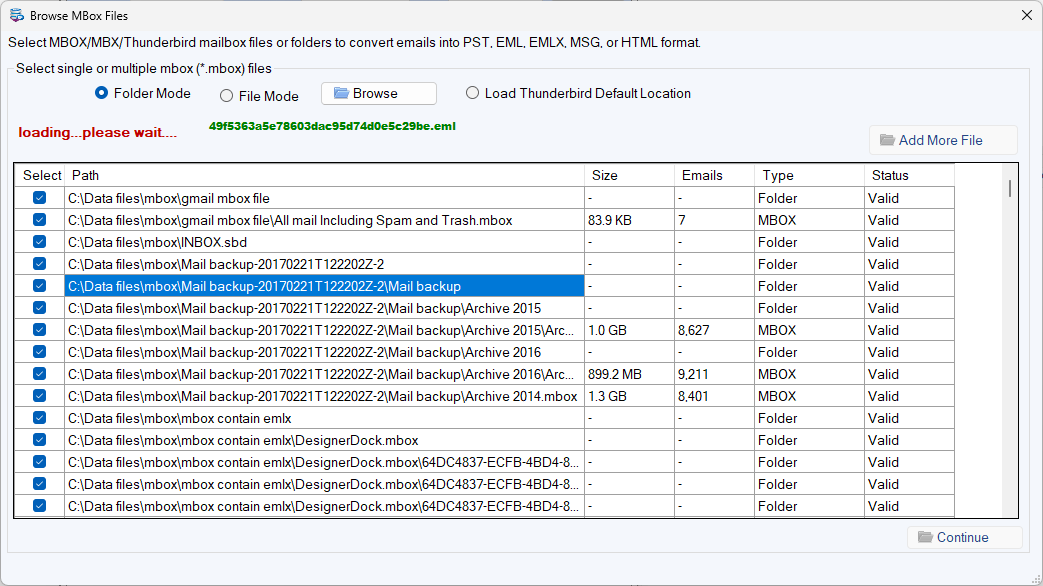
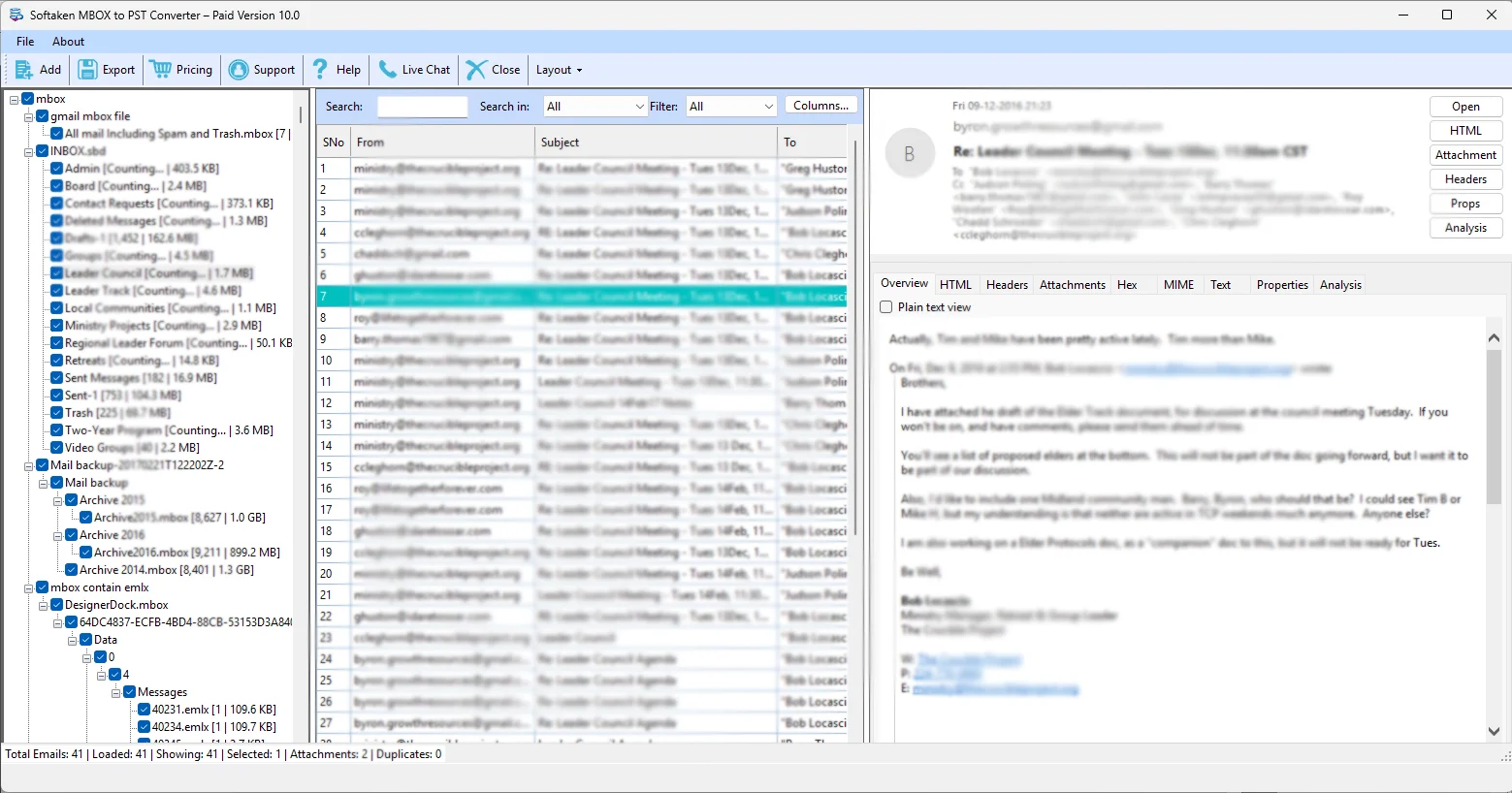
Softaken has newly launched an updated software, which is MBOX to PST Converter Version 10.0. This software now comes with advanced and improved features such as easy general options, HTML exports, and demo mode clarity. After up gradation, this tool becomes a more advanced and effective tool for conversion tasks. It is especially upgraded with a strong focus on user needs and to provide improved and more reliable results. With these upgraded features, users get greater clarity and an easier way to perform conversions.
Key features of this MBOX Converter
- Easy General Option: In the previous version, users needed to choose one option from the available option such as Include Attachments, Export Only Attachments, and Export Only Emails, but they could misunderstand the features and choose the wrong option. But now, there is no need to choose these options as the software provides the Export Now option that smartly converts emails with attachments for PST, EML, EMLX, MSG, and HTML files.
- HTML Export: Normally, when exporting emails to HTML, attachments cannot be saved separately, making it difficult to view and access emails outside an email client. But with Settings → HTML Options → Save Attachments Folder, attachments are safely stored in a separate folder, and the HTML page includes links to open them. It maintains the email content and attachments securely, and users can view emails easily on any browser.
- Demo Mode Clarity: This feature provides complete clarification to users. In the demo version, when you go to Advanced Settings, all features of the tool are shown, but a red notice appears for some options, such as PST split/type and duplicate removal, showing that these features are preview-only in the trial version. It reduces confusion and helps users to understand which features is completely available only in the paid version.
Why Choose this Converter?
Manual methods are not as efficient as this tool because they are less effective and do not provide accurate results. However, with this tool users can save time, efforts and perform conversion safely. It supports multiple formats like PST, EML, MSG, and HTML, and can easily handle large files efficiently. With these enhancements, the tool becomes more useful and easier to use. This software provides clear guidance, easy and safe conversion, making it more reliable for users.
CEO Statement
Users are the top priority for Softaken, and we always try to provide the best possible solutions to our users and keep them updated with the new improvements. This software has been specially upgraded by keeping users’ needs in mind and with advanced features, so users can move their files easily without any difficulty.